


 Back
Back


See Yourself Here
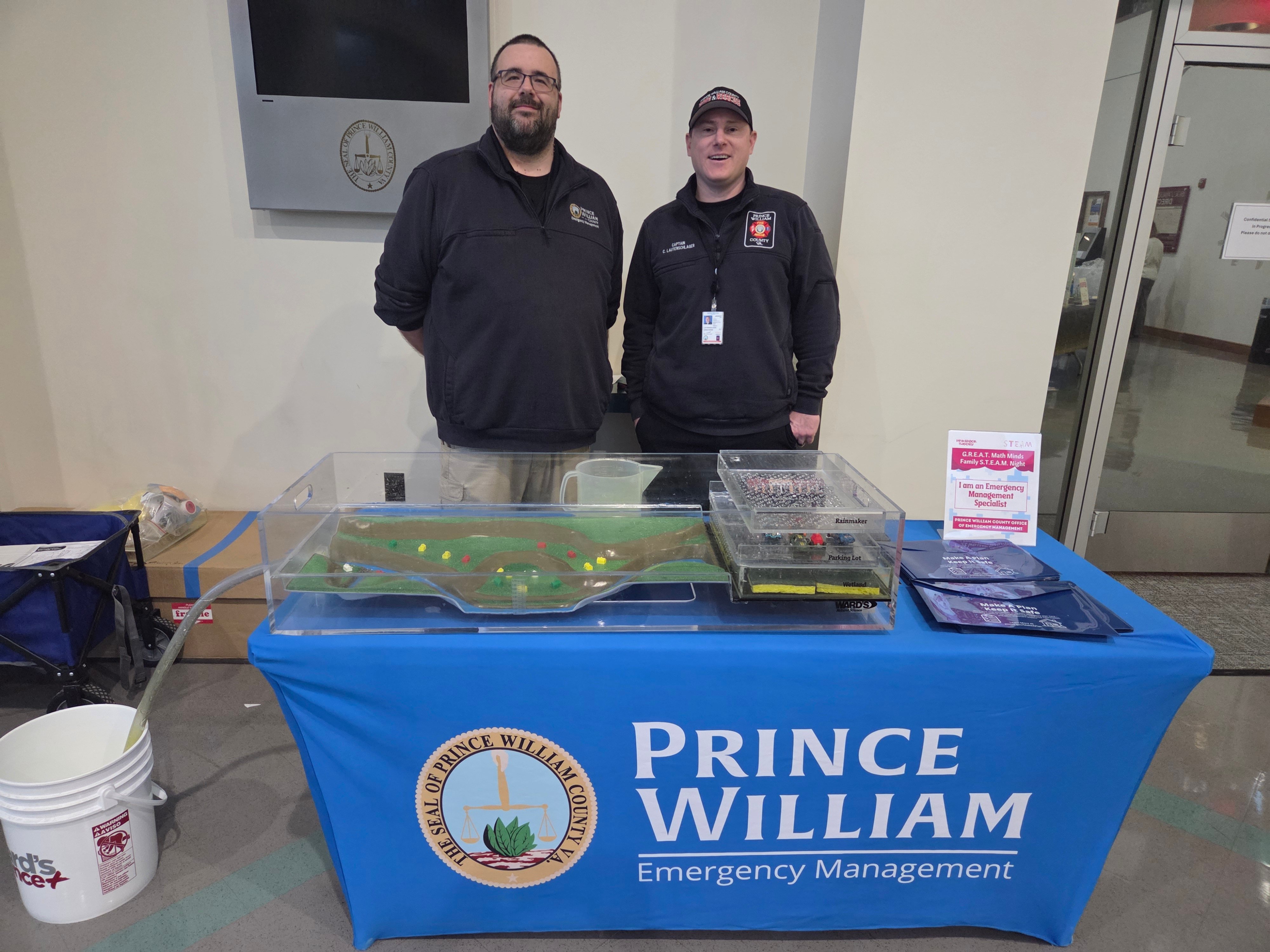
Internships, student experiences, and entry-level opportunities.
2026 Countywide Internship Session is closed; 2027 Session will be advertised in early 2027.
Image
Discover flexible and seasonal ways to gain experience and serve.
Image
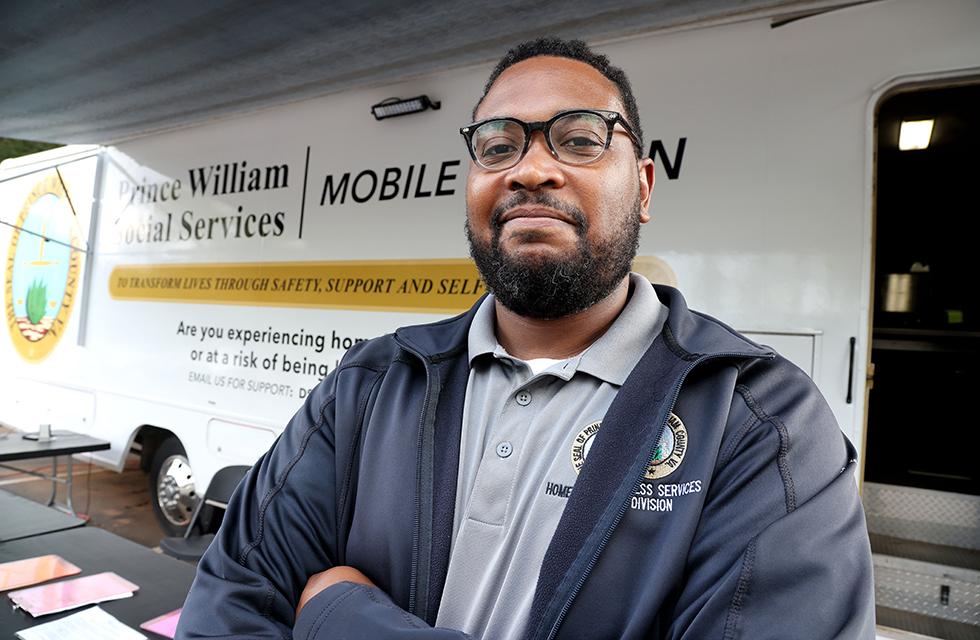
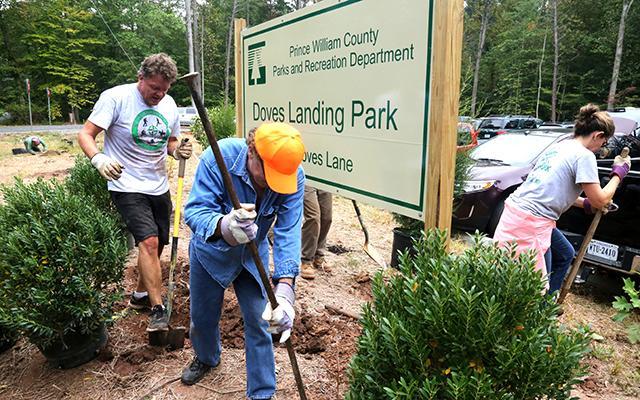

Meaningful Impact
See how your work contributes to the people and places around you. PWC Works is just one place to explore our work's impact on the Community.
Benefits that support you
Understand health, retirement, leave, and other available programs.
Room to Grow
PWC is a learning organization. Explore learning, development, and opportunities to build your career.
A community of colleagues
Work alongside people who bring different skills and perspectives to shared service.Meet the People Behind the Work


Your Application Toolkit
Discover opportunities
Expand all- How to search, read job announcements, understand qualifications, and sign up for alerts.
Where do I begin? You can apply online by clicking on the job title you are interested in and clicking on the 'Apply' link. If this is the first time you are applying using our online job application with NEOGOV, you will need to create an account and select a Username and Password. Applications can be saved and used for more than one job opening.
How do I get an e-mail address? If you do not already have an e-mail address free e-mail is available through a number of providers. Although we cannot endorse any particular vendor, you may want to go to Google or Yahoo for more information.
Where do I get help with the online application? If you need assistance completing your online application or do not have access to a computer, call Human Resources at 703-792-6640 or TDD 703-792-6291.
What if I do not have a computer or access to the Web? The Virginia Employment Commission and Prince William County public libraries offer computers available for job seekers. Be prepared to sign up to use a computer and there may be a time limit.
What do I do if I’ve forgotten my Username and/or Password? If you have forgotten your Username and/or Password contact NEOGOV Customer Care at 855-524-5627. Prince William County Government does not retain password information.
If I am employed by a temporary staffing firm (Temporary Solutions, Manpower, etc.), how should I reflect my staffing assignment with Prince William County Government on my application and resume? Employees of temporary staffing firm (Temporary Solutions, Manpower, etc.) who have staffing assignments with Prince William County Government, should reflect the name of their staffing firm as their employer on their application and resumes. When providing details of duties performed, they may list the specific assignments, assignment dates and duties performed.
If I am employed by a temporary staffing firm (Temporary Solutions, Manpower, etc.) with assignments with Prince William County Government, how should i respond to the supplemental question on my application "Are you a current paid full time or part time benefitted Prince William County Government employee (This does not include employees from PWC Schools, PWC Services Authority, agency temporary or seasonal hires)"? Please select "NO" as your response.
Will you notify me when a Prince William County Government job opens in my field of interest? You can request e-mail notifications for jobs in your field of interest by clicking on the “Job Interest Card” link, checking the appropriate job categories you are interested in and filling out all required information.
May I submit an application for future Prince William County Government job openings? Prince William County does not hold applications to review for future job openings. Each time you submit an application it is used only for the particular job opening for which it is submitted. You may complete and store an application in NEOGOV however, so that you can use it for any future job openings you apply for.
Will I automatically be considered for other positions if I previously submitted an application? No. You must submit a separate application for each position in which you are interested.
How do closing dates work? What if the closing date is listed as 'Open Until Filled'? The online system will allow you to submit an application until 11:59 p.m. (Eastern Standard Time) on the deadline date. At that point the job announcement and the application will be automatically pulled from the internet. If you are completing an application and the deadline passes you will not be able to complete the submission. Positions which have 'Open Until Filled' listed as the closing date will be open to applications until enough qualified applicants are assembled to begin the interview process. At that point, the job announcement will be pulled from the internet. Apply as early as possible to assure you are considered for those job openings.
How do I save my application? You must click 'SAVE' to retain the information you have entered. If you close your browser prior to clicking 'SAVE' you will lose any information you entered after the last time you clicked 'SAVE.' If at any time you need to exit the application form, click the 'SAVE' button at the bottom of the form. You can return to your application later by logging into your account with your Username and Password.
What if I want to submit a résumé? Attaching your resume and cover letter are an optional feature for those who wish to do so in addition to completing the required application form. Information on your resume and cover letter will not substitute for the education, work experience and required fields on the County application. The online County application is the primary tool used to evaluate your job qualifications.
Who will see my application if I use the online application process? All online applications are stored on a secure site. Only authorized employees and hiring authorities have access to the information submitted.
I missed the deadline. May I still apply? As with any position, once a closing date has passed no additional applications will be accepted or considered. Continue to visit our site and apply for new jobs as they become available.
What should I do if my address or phone number changes? You may update your personal profile in your account to include your address and telephone at any time.
If I have submitted an application online should I also submit a paper copy of my application to the HR Office? Applications need only to be submitted online.
How frequently are jobs updated and how long are they advertised? Advertised jobs are updated on a daily basis as new job opportunities become available. Most jobs are advertised between 7-14 days.
What does it mean when an ad requires supervisory experience? Unless the ad states otherwise, supervision generally means day-to-day control including the responsibility to hire, direct work, evaluate performance, discipline and dismiss employees.
What does the requirement for progressively responsible experience mean? Progressively responsible experience is work experience that clearly shows an upward progression in the level of duties and responsibilities from one job to the next.
The job announcement states a typing test is required. How do I coordinate that? Only candidates contacted by the hiring agency for an interview will be scheduled to take the typing test prior to interviewing.
Since I’m not sure what job I am interested in can I just submit an application and have you determine what job(s) I am best qualified for? No. You must submit a separate application for each advertised vacancy specifying the advertised position number.
Can you provide an overview of the information contained in the job announcement? Job announcements contain a general definition of work any special requirements typical tasks knowledge skills and abilities education and experience requirements. Most advertised positions list a salary range. The minimum salary to mid-range salary as well as the minimum salary to the maximum salary are generally listed for each advertisement. Starting salaries will normally be up to mid range depending upon qualifications recruitment and department budget.
Prepare your application
Expand all- Resume guidance, application tips, supplemental questions, and common mistakes to avoid.
Application & Resume Tips
HOW TO APPLY & TIPS FOR SUBMITTING YOUR APPLICATION
You can apply on line by clicking on the job title you are interested in and clicking on the "Apply" link. If this is the first time you are applying using our online job application with NEOGOV, you will need to create an account and select a User name and Password. After your account has been established, you can build an application by clicking on "Build Job Application" link. This application can be saved and used for more than one job opening.
The system will walk you through creating or editing and submitting your application. It is important that your application show all the relevant education and experience you possess. Carefully complete your Application and Supplemental Questionnaire and submit by the closing date indicated on the job announcement. You can attach a resume, but this cannot be used instead of completing an application. Be certain to click on SAVE as you create your application. Your application will appear for you to review and edit as needed. When you are ready, click on Confirm and Send. A message will appear confirming your application has been received. Applications may be rejected if incomplete.
Important information about applying
Unless noted by an asterisk *,for example Police Officers and Fire & Rescue Technicians, it is recommended to use the online system. If you have additional materials, such as training certificates or letters of recommendation, save those to bring to the interview; do not submit with your application. Applications are only accepted for positions which are currently advertised.
We do not accept faxed or e-mailed applications.
Minimum Qualifications: Each advertised vacancy lists the required minimum education and experience qualifications. Only the top ranked candidates possessing the minimum qualifications will be contacted for an interview by the hiring agency.
Receipt of Application: If you have correctly submitted your application online, you will receive an automated response that your application has been received. If you mail your application, you will receive a call requesting the additional information required to submit your application.
Final Notes:
- Make sure you have carefully read the minimum education and experience requirements. Make sure your education and experience is clearly stated.
- Identify all preferred qualifications and special requirements outlined in the advertisement. If you possess these qualifications, make sure they are on your application.
- Save a copy of the e-mail or mailed response letter to ensure you submitted your application on time correctly.
- Use the online system to submit the application that best represents your qualifications with the job advertised including required licenses, certifications, permits, etc.
- Use a chronological application that clearly identifies your education to include name and location of school; certificate, diploma, or degree awarded or credits earned and yours employment history for each position listed, to include month and year employment began and ended, the numbers of hours worked per week if employment was part time or temporary and the duties performed.
Understand the hiring process
Expand all- What happens after submission, how selection works, interview preparation, and how to check status.
I have submitted my application. What happens next? If you are selected for an interview, you will be contacted by the hiring department after the closing date and the online status of your application will be updated to "Placed on Referral List." If you are not referred for an interview, the application status in your account will be updated to "Position Filled" once the position has been filled.
How are applications evaluated? Applications are reviewed and candidates selected for interviews based on the documented education experience and skills on their applications. It is important to read the job announcement so you can identify the qualifications you need to include on your application. Provide dates of employment, hours worked, supervisory experience, degree(s) awarded or number of college credits earned. Human Resource analysts will review all applications. After an evaluation of relevant education and experience, the top ranked applications will be forwarded to the hiring agency.
How long will it take to hear back from the hiring agency once I apply? Depending on the specific recruitment and hiring department the response time will vary -- typically within one to three weeks from the advertised closing date.
Will the agency contact me if I am not selected for a position? If you have interviewed for a position the agency will follow up with you to let you know that you have not been selected for a position.
How can I find out the status of my application? To review your application status log onto your account and click “Application Status.” You will be able to see the status for all of the positions for which you have applied as well as the applications the dates you applied and the names of the organizations where you have applied.
Prepare for your first day
Expand all- Conditional offers, applicable pre-employment steps, onboarding, and what to expect as a new employee.
The following information is critical for starting your onboarding journey and the process of getting our systems information updated properly.
*Some of the links do require access to the PWConnects site.
What Should be Done as Part of Accepting Your New Career Role with PWC
- Respond to any additional pre-employment requests or tasks that your hiring agency/department/office sends you between the acceptance of the offer and your first day of employment.
- Ensure you are clear where you will show up for your first day of employment if you are reporting to work on the first day.
- Get together all requested documentation for employment verification (see section below) and benefit program enrollment (marriage certificate for a spouse you wish to cover and birth certificates for any dependent children you wish to cover)
- If you are joining us in one of these levels of positions, you must complete the required Statement of Economic Interests.
- SoEI FAQs
- SoEI Form for Completion Guide
- Link to SoEI Website for more information (Click upper right-hand side "Local Officers and Employees")
- SoEI Form for Completion
- The completed form must be physically signed and brought to the HR Office located at 1 County Complex Ct., Suite, Woodbridge, VA 22192 prior to your first day.
- If you are joining us in one of these levels of positions, you must complete the required Disclosure of Real Estate Holdings.
- Disclosure of Real Estate Holdings (Limited Positions Only
- The completed form must be physically signed and brought to the HR Office located at 1 County Complex Ct., Suite, Woodbridge, VA 22192 prior to your first day.
- Disclosure of Real Estate Holdings (Limited Positions Only
What Can be done Before Your First Day
- Complete the Employment Verification I-9 Form in NeoGov (Online)
- I9 Requirements - you must provide identification that meets the Form I9 to your department on your first day of work, but no later than your THIRD day of work.
- Follow the steps to access Mobius and complete the New Hire Journey (online)
- You will receive an email from one of the addressees below depending upon your payroll set-up with the County:
- Full-time, part-time, and most temporary employees
- “@wcgov.org
- Full instructions on how to set up your access are attached and also located here.
- Seasonal employees, temporary employees with the Office of Elections, and Boards, Committee, and Commission members
- "[email protected]” called Microsoft Invitations on Behalf of Prince William County Government and you must use that information to activate your account prior to completing the next steps. If you do not see this email on or shortly after your hire date, please check your Spam/Junk folder.
- Full instructions on how to set up your access are attached and also located here.
- Full-time, part-time, and most temporary employees
- All employees access personal and pay information, including pay stubs, through Mobius: pwcva.gov/pwcmobius
- All employees are required to complete tasks online in Mobius. These are not available until your hire date but must be completed within one week of starting your position:
- Tax Form completion
- Until this is complete employees are defaulted to the highest withholding for Federal and Virginia.
- If you do not live in Virginia the system will default you to your state of residence in addition to and Virginia for state taxes until you make elections (as long as you are in a reciprocal state such as Maryland or Washington, DC.).
- Direct Deposit completion
- Until this is complete your paycheck will be mailed to your home address
- Tax Form completion
- Employee Information review
- Confirm your information is correct, including your home address, date of birth, and social security number
- You will receive an email from one of the addressees below depending upon your payroll set-up with the County:
- Review the new hire resources below to get familiar with Benefits options and other County information, as applicable.
- Learn more about your Executive Team here.
What to Expect on Your First Day
- Report to work as communicated by the agency/department manager/liaison
- Bring physical copies of identification documentation to support the Form I-9, options, and examples of what you need to bring can be found here
Mobius - Prince William County's HR and Payroll System
- Human Resources Support Links
- Journey for New Employees Job Aid
- Connections and Expectations Checklist
Benefits and Payroll Resource Links
Health Coverage Notices
- COBRA New Hire Notice / Aviso de Nueva Contratacion de COBRA (en espanol)
- Legal Notices: HIPAA Privacy Notice/PWC Marketplace Coverage
Additional Important Notices and Policies
- Fraud and Similar Irregularities Policy
- Executive Internal Controls Policy
- Virginia Freedom of Information Act:
(VAFOIA language to support the regular release of employee compensation information)
§ 2.2-3700. Short title; policy. A. This chapter may be cited as "The Virginia Freedom of Information Act." B. By enacting this chapter, the General Assembly ensures the people of the Commonwealth ready access to public records in the custody of a public body or its officers and employees, and free entry to meetings of public bodies wherein the business of the people is being conducted. The affairs of government are not intended to be conducted in an atmosphere of secrecy since at all times the public is to be the beneficiary of any action taken at any level of government. Unless a public body or its officers or employees specifically elect to exercise an exemption provided by this chapter or any other statute, every meeting shall be open to the public and all public records shall be available for inspection and copying upon request. All public records and meetings shall be presumed open, unless an exemption is properly invoked.
§ 2.2-3705.1. (Effective until date pursuant to Va. Const., Art. IV, § 13) Exclusions to application of chapter; exclusions of general application to public bodies.
1. Personnel information concerning identifiable individuals, except that access shall not be denied to the person who is the subject thereof. Any person who is the subject of such information and who is 18 years of age or older may waive, in writing, the protections afforded by this subdivision. If the protections are so waived, such information shall be disclosed. Nothing in this subdivision shall be construed to authorize the withholding of any resumes or applications submitted by persons who are appointed by the Governor pursuant to § 2.2-106 or 2.2-107.
No provision of this chapter or any provision of Chapter 38 (§ 2.2-3800 et seq.) shall be construed as denying public access to (i) contracts between a public body and its officers or employees, other than contracts settling public employee employment disputes held confidential as personnel records under § 2.2-3705.1; (ii) records of the name, position, job classification, official salary, or rate of pay of, and records of the allowances or reimbursements for expenses paid to, any officer, official, or employee of a public body; or (iii) the compensation or benefits paid by any corporation organized by the Virginia Retirement System or its officers or employees. The provisions of this subdivision, however, shall not require public access to records of the official salaries or rates of pay of public employees whose annual rate of pay is $10,000 or less.
Additional Important Countywide General Policies for Review *
OUR VALUES
OUR VISION
Leadership at all Levels
Beliefs:
Employees are our most valuable resource.
We make a positive difference in our community.
Employees thrive when they are trusted, included, respected and supported at all levels.
Expectations:
Our Vision and Values guide our actions.
We embrace change and adapt.
We actively engage.
We communicate and collaborate at all levels.
Your Future. Our Community. See Yourself Here.
Need the button code - to add "Search Open Positions"